
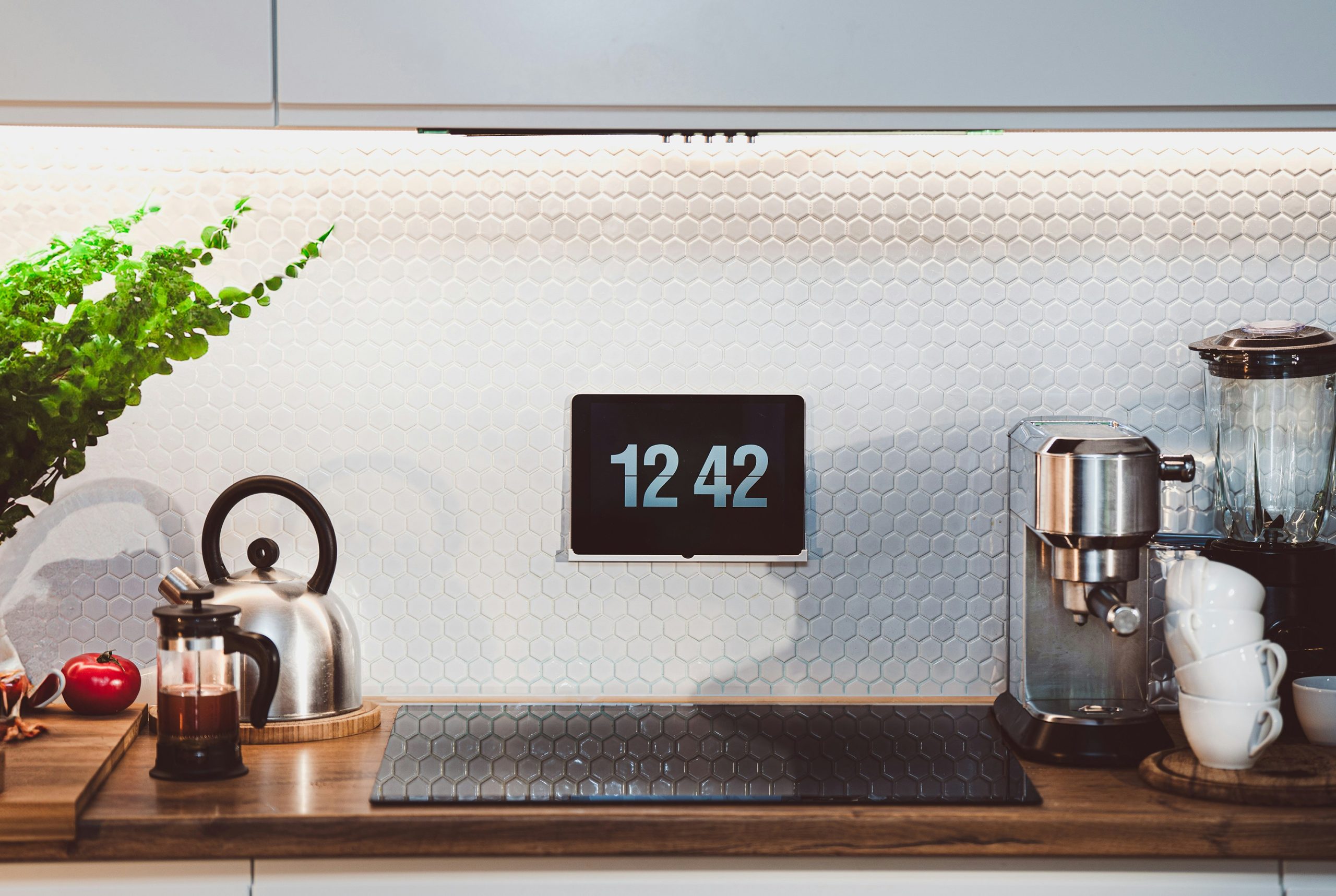
Image Credit: Unsplash
Smart home technology can sit comfortably alongside carefully chosen furniture, artwork and colour schemes. The trick is to consider each device as part of the room plan from the start, instead of adding equipment wherever there happens to be a spare socket.
From discreet controls to concealed cables, small design choices make a noticeable difference. You can keep the convenience of connected lighting, heating and entertainment without allowing black boxes, flashing lights and trailing wires to dominate the space.
The Rise of Invisible Hardware
Manufacturers are responding to homeowners who want technology to blend into their interiors. The latest invisible smart home trends include flush controls, compact sensors and speakers designed to sit within ceilings or joinery.
Choose finishes that relate to nearby surfaces. A white sensor may disappear against a pale ceiling, whilst a dark thermostat can look deliberate beside black light switches. Recessed charging points also keep kitchen worktops and bedside tables clearer.
Before buying anything, check its physical dimensions and power requirements. Product photographs can hide bulky plugs, bright status lights and ventilation gaps that become obvious after installation.
Strategic Placement for Better Signals
Hiding a device inside a solid cabinet may improve the room visually but weaken its connection. Routers and wireless hubs usually perform better in a central, raised position with open space around them. Metal cupboards, thick masonry and large appliances can interfere with signals.
Test likely positions before drilling holes or commissioning fitted storage. Place the equipment in its proposed location, then check connection quality in bedrooms, work areas and outdoor seating spaces. If coverage drops, try an open shelf or a ventilated cupboard with a non-metallic door.
Keep access in mind too. Equipment that needs an occasional reset should remain reachable without moving a heavy bookcase.
Where Tailored Spatial Planning Helps
Bring technology into the design conversation before ordering bespoke cabinetry, fixing wall panelling or finalising socket positions. An interior designer can help you plan furnishings, storage and practical device locations as part of one cohesive scheme, whether you’re updating a single room or refurbishing your home. Early decisions prevent awkward compromises. A television can sit within fitted joinery with space for ventilation, whilst speakers align neatly with architectural features.
Early decisions prevent awkward compromises. A television can sit within fitted joinery with space for ventilation, whilst speakers align neatly with architectural features. Guidance on hidden smart home technology also shows how controls and sensors can be incorporated without disturbing a polished interior.
Prepare a list of every device, its dimensions and how often you need to reach it before discussing layouts.
Cable Management That Endures
Temporary cable clips often fail once more devices enter the room. Plan routes with capacity for future additions and keep power leads separate from delicate data cables where the installation requires it. Label both ends before feeding anything behind furniture or through accessible channels.
A removable cable tray beneath a desk works well because it keeps adapters off the floor and allows easy changes. In a media unit, use ventilated compartments and leave gentle curves in cables instead of pulling them tight. The publisher’s guide to proper cable management explains why organised wiring also supports maintenance and safety.
Review cable routes every few months, removing leads that no longer connect to anything.
Creating a Cohesive Visual Flow
Repeat materials and colours so technology feels connected to the wider room. Match switch plates to door furniture, choose charging docks that echo timber finishes and group controls in one logical area. Several small panels scattered across a wall create more visual noise than one neatly aligned control point.
Furniture placement can help as well. A console table may conceal a socket and charging hub, whilst a shallow basket can hold everyday remotes without blocking their signals. Avoid covering equipment that produces heat and preserve any ventilation clearances listed by the manufacturer.
The best result is pleasantly uneventful: lights respond, rooms stay comfortable, and the eye settles on the details you chose for their beauty.
